
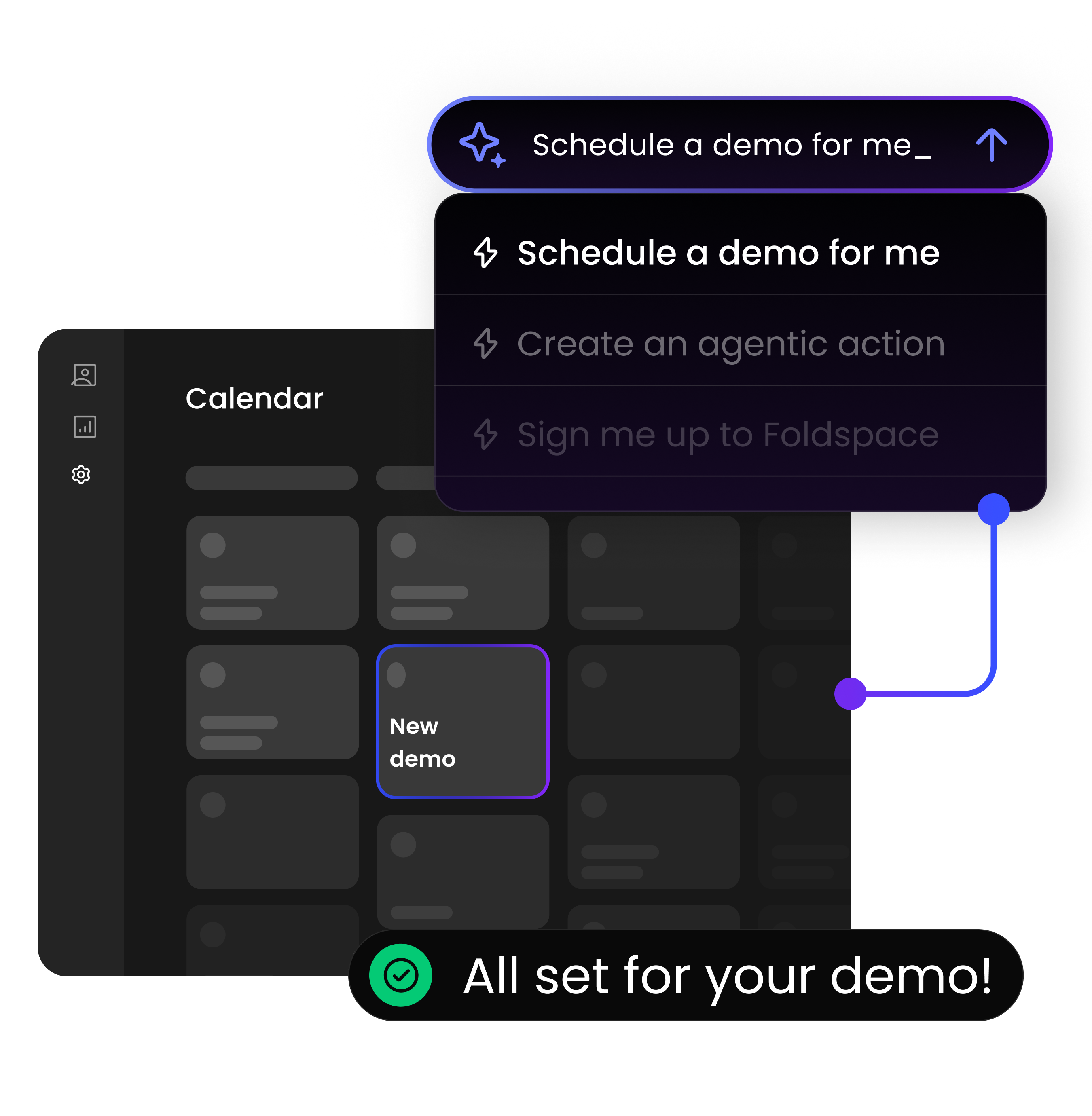
Implementation Strategy — From Quick Wins to Advanced Agentic UX
Start simple, win fast.
Your path to an AI-native product experience doesn’t have to start big.
The most effective Foldspace implementations begin with small, high-impact wins that make your product more discoverable, contextual, and intelligent — and evolve naturally toward full agentic collaboration.
Foldspace collapses the gap between user intent and outcome — turning click-heavy interfaces into adaptive, conversational experiences.
Quick Wins
Goal: Make features easy to find and use through conversational discovery, contextual knowledge, and guided actions.
1. Add a Knowledge Base
Purpose: Ground your agent in your product’s existing knowledge — support content, FAQs, feature docs, and internal wikis — so it can answer “how do I…” or “where do I…” questions contextually.
Steps:
-
- Connect internal and external sources (e.g., docs, help center, blogs).
-
- Tag content by feature or module.
-
- Set sync frequency for automatic updates.
-
- Validate grounding: Does the agent use your product language and tone?
Example:
“How do I set up alerts?” → The agent explains and guides the user through setup, linking directly to the relevant settings page.
2. Build Intent Routing to Features (by Persona)
Purpose: Allow users to express their goals in natural language and instantly reach the right feature or workflow.
Steps:
-
- Identify top 10–20 user intents per persona (e.g., Sales Ops, Marketing Manager).
-
- Link each intent to a corresponding Action or deep link that executes it.
-
- Apply contextual filters (e.g., region, product line, user role).
Example:
“How do I measure my performance in Brazil?” → The agent routes to the “Performance Report,” applies location = Brazil, and opens the report.
Outcome:
Users find features by describing what they want to achieve, not by clicking through menus.
3. Enable Shared Screen
Purpose: Keep the agent aware of what users see on the screen so that knowledge and UI remain aligned.
Steps:
-
- Enable the Foldspace Shared Screen to parse visible text, labels, and data.
-
- Compare page context with knowledge snippets to identify gaps.
-
- Let the agent blend both page content and knowledge when responding.
Example:
“What does this chart mean?” → The agent reads the chart’s title and labels, explains the metrics, and links to related articles for deeper context.
Branded In-Chat Data & Best Practices
1. Use Chatterblocks to Display Live Data
Purpose: Render live, interactive UI blocks directly inside conversations — mini components that display or act.
Steps:
-
- Define Chatterblocks for high-value entities (e.g., account, campaign, user profile).
-
- Make them interactive (update, filter, or trigger actions).
-
- Cache frequently requested data for speed and cost efficiency.
Example:
“Show me my top leads this week.” → The agent displays a Leads Chatterblock with cards and actions like “Update” or “Email.”
2. Add Best-Practice Content
Purpose: Go beyond “how-to” responses — let your agent provide expert guidance that reflects your organization’s way of working.
Steps:
-
- Add “how to do it best” articles for key workflows.
-
- Tag them as best_practice in your knowledge base.
-
- Let the Knowledge Module and Shared Screen reference them during conversations.
Example:
“How should I name campaigns?” → The agent responds with your internal naming conventions and examples.
Enabling Tandem Mode
Goal: Go beyond discovery — make your product proactive, personalized, and productive.
Tandem Mode is where Foldspace truly shines.
It’s the shared-state layer that keeps the user and agent in sync — remembering context, continuing tasks, and co-creating outcomes together.
Inside Tandem Mode, users experience what we call Vibe-Coding — a new kind of flow where intent becomes creation.
It’s not about code generation — it’s outcome generation: expressing what you want, and having the agent make it happen.
1. Shared State (Tandem Mode)
Purpose: Let users and the agent work side-by-side with persistent context across sessions.
Steps:
-
- Enable shared-state sessions so the agent remembers selected entities, filters, and unfinished actions.
-
- Allow users to resume tasks seamlessly (“Continue my last report setup”).
-
- Synchronize context across chat, UI, and backend logic.
Example:
“Add Q4 data to the same chart I made yesterday.” → The agent recalls the context, updates the chart automatically, and confirms completion.
2. Vibe-Coding: Co-Creating Through Intent
Purpose: Enable users to generate or execute outcomes by describing them naturally — from content and configurations to actions and reports.
Steps:
-
- Map creation-oriented intents to AI Functions or Actions.
-
- Let users refine results in conversation (“Make it shorter,” “Add visuals,” “Send it to my manager”).
-
- Cache and store generated results for re-use or hand-off.
Example:
“Draft a Q4 performance summary for Brazil.” → The agent generates the summary, pulls real data, and offers to publish or share it.
Why it matters:
Vibe-Coding turns your product into a creative workspace — one where users don’t navigate features, they simply describe outcomes.
3. Surface Insights with AI Functions
Purpose: Expose real-time analytics, summaries, and recommendations directly within the chat or UI.
Steps:
-
- Connect APIs or backend logic to Foldspace AI Functions.
-
- Define reusable queries (e.g., top performing regions, anomaly detection).
-
- Trigger insights automatically (on page load, on schedule, or when prompted).
Example:
“Show me where sales dipped this quarter.” → The agent retrieves data, analyzes it, and presents a summary block with insights and next steps.
Moving Forward
Each layer builds on the previous one.
Start by grounding your agent in knowledge, then teach it to route intents, understand page context, display live data, and finally — collaborate with users in Tandem Mode.
With Foldspace, every step of your product journey becomes more conversational, contextual, and intelligent — transforming your SaaS into an AI-first experience that feels intuitive, personal, and outcome-driven.